
Someone at your front desk has a client letter open in one window and a chatbot open in another. They want to paste the first into the second and ask for a shorter version. They stop and ask the office manager whether that is allowed. The office manager asks you.
If you do not have an answer ready, the software is not the gap. Nobody was ever given the job of deciding.
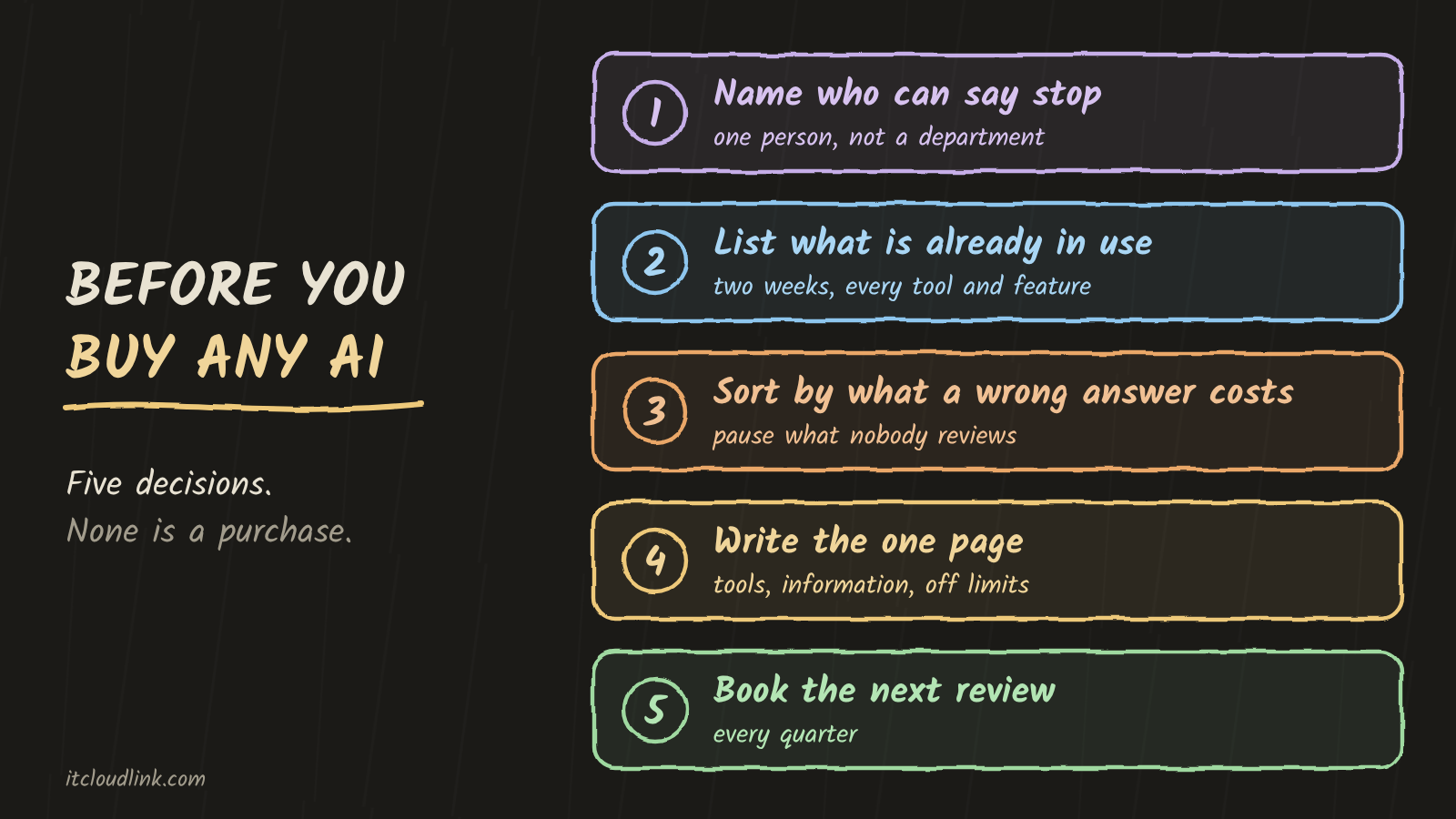
The usual response is a purchase: a safer tool, a business plan, a private server. IT CloudLink LLC sells one of those, so weigh this accordingly. The purchase comes second. Five decisions come first. None of them is a purchase, and nothing you buy afterward works without them.
1. Name one person who can say yes, no, and stop
A person. Not "IT," and not your vendor. In a small practice it is a partner or the practice manager: someone with the authority to turn a tool off without calling a meeting.
Tell the staff who it is. The question from the front desk needs somewhere to go.
2. List what is already in use
Give everyone two weeks to report every AI tool they touch. Say plainly that you are taking inventory and not looking for someone to blame, or the list will come back short.
Include the features that arrived inside software you already pay for: the summarize button in your email, the assistant in your document editor, the note-taker that joins your video calls.
Write one line per use, not per tool. The same assistant drafting a newsletter and summarizing a patient chart is two lines, because the two do not carry the same risk.
3. Sort the list by what a wrong answer would cost
A wrong sentence in an internal memo costs an apology. A wrong sentence in a message to a patient or a client costs more than that. Put each line in a tier and write one line saying why.
Then look at the top tier. Anything there that leaves the office without a qualified person reading it first gets paused until someone does. That pause is the one urgent item on this list.
4. Write one page
It covers three things: which tools are approved, what information may go into each, and which uses are off limits. Write the off-limits uses down so the same question is not reopened every month.
Keep it to one page. This is the document that answers the front desk, and it only works if people have read it.
5. Put the next review on the calendar
The rules are still moving. Colorado passed an AI law in 2024, then repealed and replaced it in May 2026, before the first version ever took effect. That law may never touch your practice. The pace is the point: an office that wrote its page once and filed it is working from last year's rules.
Pick a date each quarter. Re-read the list and ask what changed in the law, in the tools, and in what your staff does with them. Which laws apply to your practice is a question for your attorney. The calendar entry is yours.
What a purchase settles, and what it does not
A private AI system on a server in your own office settles something real. For the work you keep on it, your documents and your questions travel across your own network to your own machine, and no outside company processes them. Building and managing those systems is IT CloudLink LLC's business.
It does not make any of the five decisions for you. A private system will still show a file to someone who should not see it if nobody set the permissions. It has no say in whether a qualified person reads the output before it goes out. Someone still has to own it, list it, sort it, write the page, and come back next quarter.
Further reading
Both of these are on rondthaler.dev, home of Rondthaler Labs, the R&D practice behind IT CloudLink LLC.
- The AI Governance Diagram Was Drawn for Someone Else. The same argument for IT managers and practice leaders, with the standards behind it.
- AI governance for a regulated practice. The full reference: six layers, the proof each control should leave behind, and the sources. The five decisions above are its "Where to start" list.
If you want a second set of eyes on your list, contact IT CloudLink LLC.
This post is general information and not legal advice.